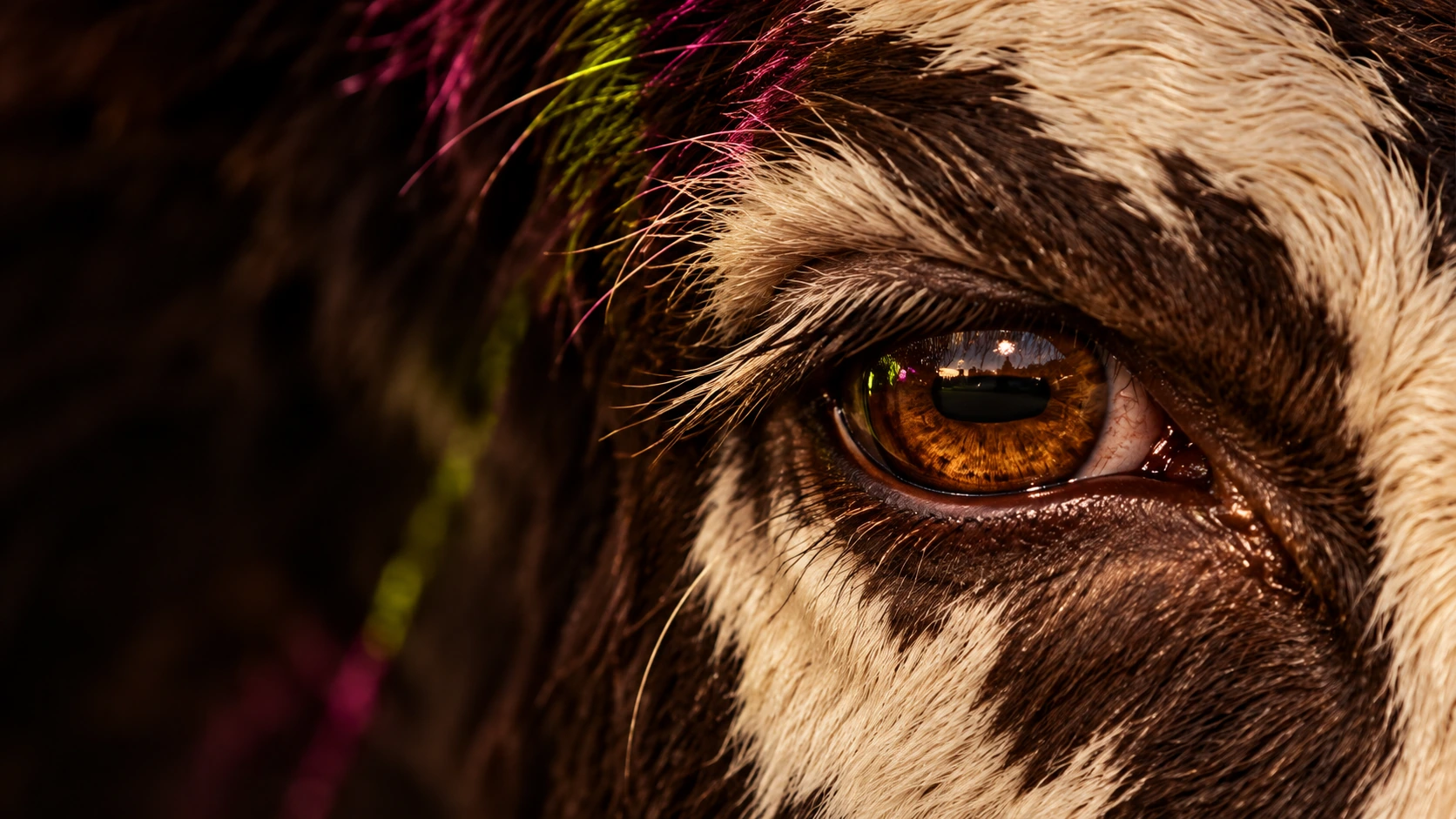
There is a familiar moment in AI image and video work: the idea in your head feels specific, but the first prompt you type feels vague. You know the scene should feel cinematic. You can picture the light, the camera distance, the pace, maybe even the texture of the location. Then the generation comes back and it is technically impressive but somehow generic.
One practical way to close that gap is to separate prompt building from generation. O4Prompts by OrigaStock can help you shape the creative direction before you generate, while Higgsfield AI gives you a workspace for turning prompts and references into images and video. The two products are separate services; this guide describes a creator-led workflow, not a direct integration.
If you are searching for Higgsfield AI, wondering what Higgsfield is, or trying to get more controlled results from an AI video generator, the important part is not simply finding a longer prompt. It is learning which visual decisions need to be made before you press Generate.
What Is Higgsfield AI?
Higgsfield is an AI image and video creation platform built around cinematic production workflows. Its official site currently brings multiple generation models into one workspace and includes tools for text-to-video, image-to-video, image generation, editing, reference-driven creation, camera movement, and Cinema Studio. Higgsfield describes Cinema Studio as a filmmaking workspace with controls for camera, lenses, focal length, color, references, and movement.
That matters because a prompt is only one part of a shot. A filmmaker also thinks about where the camera sits, what motivates the light, how the subject moves through the frame, what stays consistent between shots, and what the audience should notice first. Higgsfield's current tools reflect that broader production mindset. You can explore the platform directly on the official Higgsfield website.
Higgsfield also offers an official API for developers, so the common search question “does Higgsfield have an API?” has a straightforward answer: yes. For most creators, though, the browser-based creative workflow is the more relevant starting point.
Why Better Generations Usually Start Before Higgsfield
AI generators are good at filling in missing information. That is useful when you are experimenting, but it can work against you when you already have a clear art direction. If you type “a cool cinematic car scene at night,” the model has to invent almost everything: the framing, lens feeling, location, weather, lighting logic, color relationship, movement, and level of realism.
A stronger workflow decides those things intentionally. You might choose a low three-quarter angle, a practical fluorescent source from a garage, wet asphalt for reflections, restrained teal and warm amber separation, a realistic handheld feeling, and a single male subject kept secondary to the vehicle. Suddenly the prompt is not just descriptive. It has a visual hierarchy.
This is where O4Prompts can be useful. Instead of treating prompting as one giant text box, you can think in creative building blocks: shot, composition, lighting, color, character, time of day, and camera movement. The goal is not to make every prompt enormous. The goal is to stop leaving important decisions to chance.
A Simple O4Prompts to Higgsfield Workflow
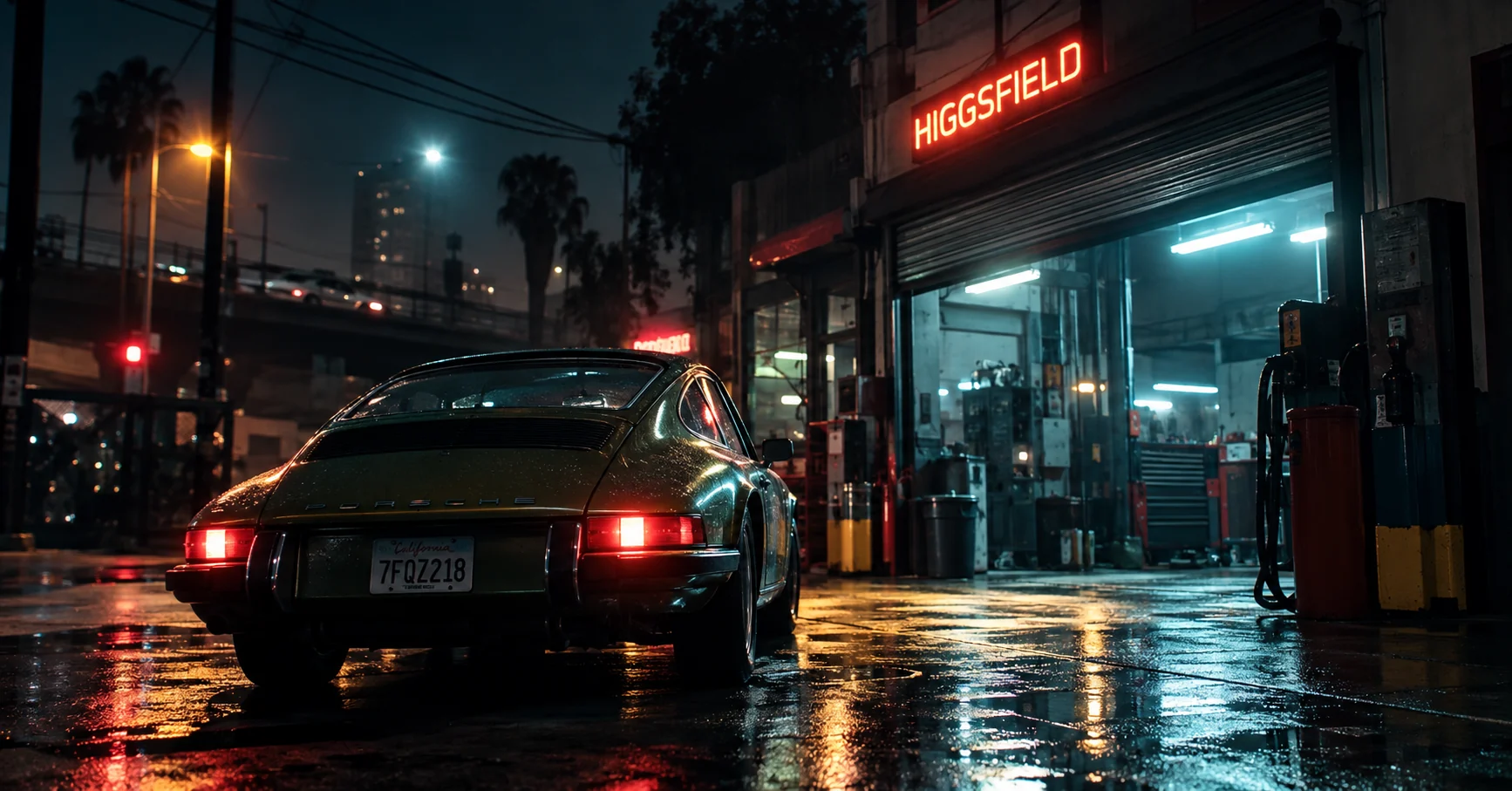
For a new shot, start with the smallest useful idea. Imagine you want a night car sequence that feels like a frame captured on a phone by someone standing near the action, rather than a glossy studio render. Your first line could simply be: “A vintage green sports car outside a small garage after rain.”
Then build the direction in layers:
- Define the subject. Decide what owns the frame. In this example, it is the car, not the person or the garage.
- Choose the composition. Set the camera height, distance, subject placement, foreground, and negative space.
- Choose the light. Use believable sources such as garage fluorescents, streetlights, dashboard glow, or a nearby sign instead of asking for undefined “cinematic lighting.”
- Set the color relationship. Keep the palette simple. Two dominant color families are often easier to control than a long list of colors.
- Describe realism. Ask for natural surface texture, imperfect reflections, believable exposure, subtle sensor noise, realistic skin texture, and restrained depth of field when that fits the shot.
- Add motion only after the still direction works. Decide whether the camera should remain static, drift handheld, dolly, pan, orbit, or follow the subject.
You can use O4Prompts Cinematic Shots to explore the visual language of the frame, then move to O4Prompts Camera Movement when you need a clearer motion direction for video. Once the prompt feels coherent, take it into Higgsfield and choose the generation workflow that matches the job.
Example: From a Weak Prompt to a Directed Shot
Consider this basic prompt:
“A man with a green car at night, cinematic.”
It communicates the subject, but almost nothing about the shot. A more directed version could be:
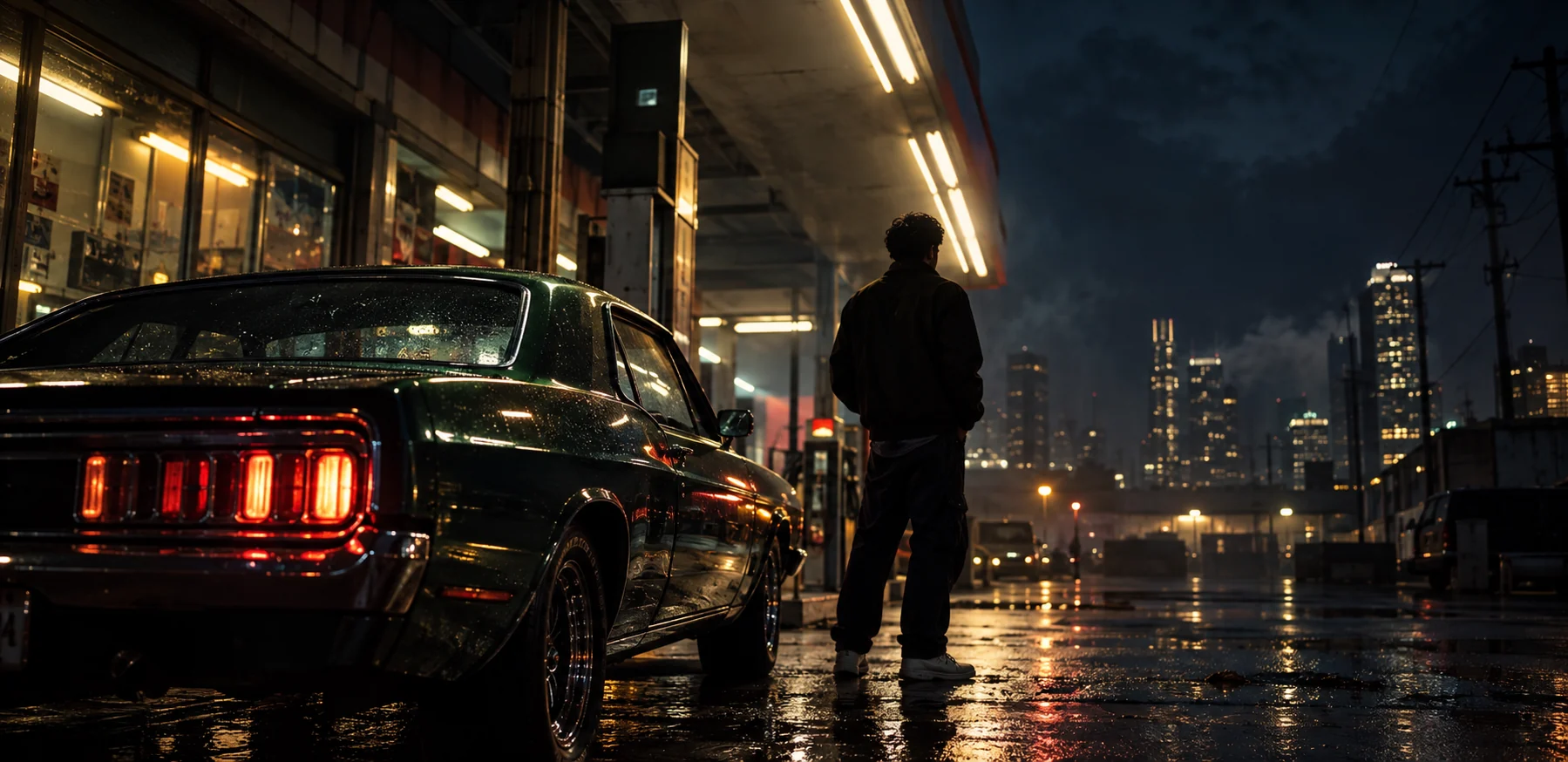
Night exterior outside a small working garage after light rain, vintage dark-green sports car dominating the foreground, one adult man in dark casual clothing standing several feet behind the car with his back partly toward camera, eye-level three-quarter framing with the camera close to the wet pavement, practical fluorescent garage light mixed with distant warm streetlights, realistic reflections and water droplets, deep shadows with preserved highlight detail, natural phone-camera exposure, subtle handheld imperfection, restrained depth of field, believable materials, contemporary urban atmosphere, no text, no logos.
The second prompt is longer, but length is not the point. Every phrase has a job. “Car dominating the foreground” establishes hierarchy. “Several feet behind” creates spatial separation. “Practical fluorescent garage light” gives the model a believable source. “Natural phone-camera exposure” pushes the image away from an overly polished synthetic render.
After generating a still you like, the video prompt should focus on what changes over time. For example: the camera slowly drifts forward with subtle handheld movement while the man remains still and distant traffic reflections slide across the wet bodywork. Avoid rewriting every visual detail if the reference image already carries it.
Using Higgsfield Camera Controls Without Overdirecting
Higgsfield currently provides a large camera-control library that includes moves such as dolly, crane, pan, tilt, handheld, FPV drone, crash zoom, 360 orbit, whip pan, and more. Cinema Studio also supports camera movement as part of a broader filmmaking workflow. Those controls are useful, but more movement does not automatically make a shot more cinematic.
Start with the story function. A slow dolly in can create attention or tension. A handheld move can make a moment feel immediate. A static frame can feel more observational or controlled. An orbit can reveal shape and environment, but it may distract from a quiet scene. Pick one movement because it supports the idea, not because the preset looks impressive in isolation.
If the shot already has complicated subject motion, consider keeping the camera simpler. If the subject is nearly static, camera movement can carry more of the visual energy. This balance is especially important with AI video because asking for too many simultaneous changes can make continuity harder to maintain.
How to Make Higgsfield AI Results Feel More Real
Photorealism is not the same thing as maximum sharpness. Real images contain small inconsistencies: mixed color temperatures, imperfect highlights, slight motion, texture, atmospheric haze, uneven reflections, and depth that changes naturally. If every surface is perfectly clean and every edge is aggressively sharp, the result can feel more synthetic even when the model is technically producing high detail.
For a more natural look, describe the capture conditions instead of only asking for “8K” or “ultra realistic.” Phrases such as “available streetlight,” “slightly underexposed shadows,” “phone-camera dynamic range,” “subtle sensor noise,” “natural skin texture,” “minor lens flare,” or “handheld framing” can be more useful when they genuinely belong to the scene.
References can also do work that words struggle to do. Higgsfield supports visual references in its current creative workflows, and its video tools can use images as starting points. If you already have the composition and color mood you want, a strong reference image plus a focused motion instruction may be more controllable than trying to recreate the entire frame from text.
Is Higgsfield AI Free?
“Is Higgsfield AI free?” is one of the recurring search questions around the platform. Higgsfield's plans, limits, model access, and promotional offers can change, so it is better to check the current pricing and account options on the official site rather than rely on an old article or screenshot. The same applies to individual model availability: Higgsfield regularly updates the models and tools available in its workspace.
For SEO and for creators, that distinction matters. A useful guide should explain the workflow without pretending that pricing or model menus are permanent. This article focuses on the durable part: how to prepare a clearer prompt and creative direction before generation.
O4Prompts and Higgsfield Are Better at Different Parts of the Process
O4Prompts is not Higgsfield, and Higgsfield is not O4Prompts. There is no direct integration implied here. The useful relationship is conceptual: one can help you organize visual prompting, while the other can be the environment where you generate and direct the result.
That separation can actually make the process cleaner. When a generation fails, you can ask a more useful question: was the creative direction unclear, or did the generation need a different model, reference, camera instruction, or iteration? Instead of randomly adding adjectives, you can return to the specific layer that is not working.
For image work, you might spend more time on composition, lighting, color, and subject detail. For video, you also need to think about time: what moves, when it moves, how the camera reacts, and what should remain consistent from the first frame to the last.
Frequently Asked Questions
What is Higgsfield AI?
Higgsfield is an AI image and video creation platform with tools for generation, editing, references, camera control, and cinematic production workflows. Its official website is higgsfield.ai.
Does Higgsfield have an API?
Yes. Higgsfield provides an official API and developer documentation through its official developer surfaces.
Is Higgsfield AI free?
Higgsfield's current plans and access conditions can change. Check the official Higgsfield website for the latest free access, subscriptions, limits, and model availability.
Can I use O4Prompts with Higgsfield?
Yes, as a manual workflow. Build or refine the visual prompt in O4Prompts, then use that direction in Higgsfield. This does not mean the two services are directly integrated.
How do I write a better Higgsfield prompt?
Define the subject, composition, lighting source, color relationship, environment, realism, and constraints. For video, add only the motion and camera behavior that matter to the shot.
What makes an AI video prompt cinematic?
Cinematic prompting comes from coordinated visual decisions: purposeful framing, motivated light, controlled color, clear subject hierarchy, appropriate lens and camera language, and movement that supports the scene.