What is OpenAI, and how does it fit into a creative workflow? OpenAI is the organization behind ChatGPT and a range of AI models and developer tools. For designers, art directors, and content creators, the practical opportunity is using these tools to explore ideas, refine instructions, and review visual directions. This guide explains OpenAI, ChatGPT, open source AI, and APIs, then shows how O4Prompts by OrigaStock helps turn a creative brief into a clearer image prompt.
What Is OpenAI?
OpenAI develops AI models and products, including ChatGPT, and offers a developer platform for building with its technology. The company, the applications, and the models have different roles. Understanding that distinction makes it easier to choose the right starting point for a task.
A creator might use ChatGPT to discuss a concept, a compatible image-generation capability to develop a visual, or the API to build a custom application. Those are different workflows. You do not need to build software simply to organize a brief or test a creative idea.
Start with the deliverable you need: a concept, a script, an image, or an application. Then check whether the product and model you intend to use support that output. The familiar brand name is less useful than knowing what the selected tool can actually do.
Are ChatGPT and OpenAI the Same?
OpenAI is the organization; ChatGPT is one of its products. ChatGPT provides a conversational interface, while OpenAI's API lets developers build AI capabilities into their own software. The model is the system performing the underlying task.
For creative planning, a conversation can help you compare directions before committing to one. Ask for three approaches, define the audience, and specify the format of the response. Instead of requesting “a premium campaign,” explain the message, the visual hierarchy, and the feeling the campaign should create.
For example: “Act as an art director. Propose three visual concepts about human judgment in a technological environment. For each, describe the subject, framing, lighting, palette, and emotional intent. Keep the concepts grounded and visually distinct.”
Review the options as creative proposals. Choose what communicates the idea, remove unnecessary details, and turn the selected direction into instructions that match your intended image engine.
Is OpenAI the Same as Open Source AI?
The terms sound similar, but they are not interchangeable. OpenAI is a company name. Open source AI describes how an AI project is made available, with the exact permissions depending on the project's license and released materials.
OpenAI has released open-weight models in the gpt-oss family. Its official open-models page describes models that can be downloaded, customized, and run on infrastructure you control under the Apache 2.0 license. That does not mean every OpenAI model or product is distributed in the same way.
When comparing tools, distinguish browser access, API access, and downloadable model weights. A publicly accessible app is not automatically open source. Check the specific model's documentation and license rather than drawing a conclusion from the word “open.”
For a designer who wants to develop a prompt, the immediate question is simpler: does the chosen tool support the intended input, output, and revision process? Running a model locally is a separate technical decision.
OpenAI Image Generation and Creative Direction
OpenAI's image generation documentation describes creating images from text and editing existing images with new instructions. Its API also supports conversational image workflows. The details depend on the supported model and interface, so check the current documentation when moving from a creative experiment to a software integration.
For the visual itself, begin with decisions you can evaluate. Define the subject, expression, camera position, light source, environment, and palette. Keep the instructions coordinated so the image has a clear focal point and believable visual logic.
Describe the frame before adding atmosphere
“A worker in a cinematic industrial scene” leaves many decisions open. Is the worker close to the camera or small in the environment? Is the expression calm, uncertain, or determined? Is the key light coming from the sky, a window, or a practical lamp?
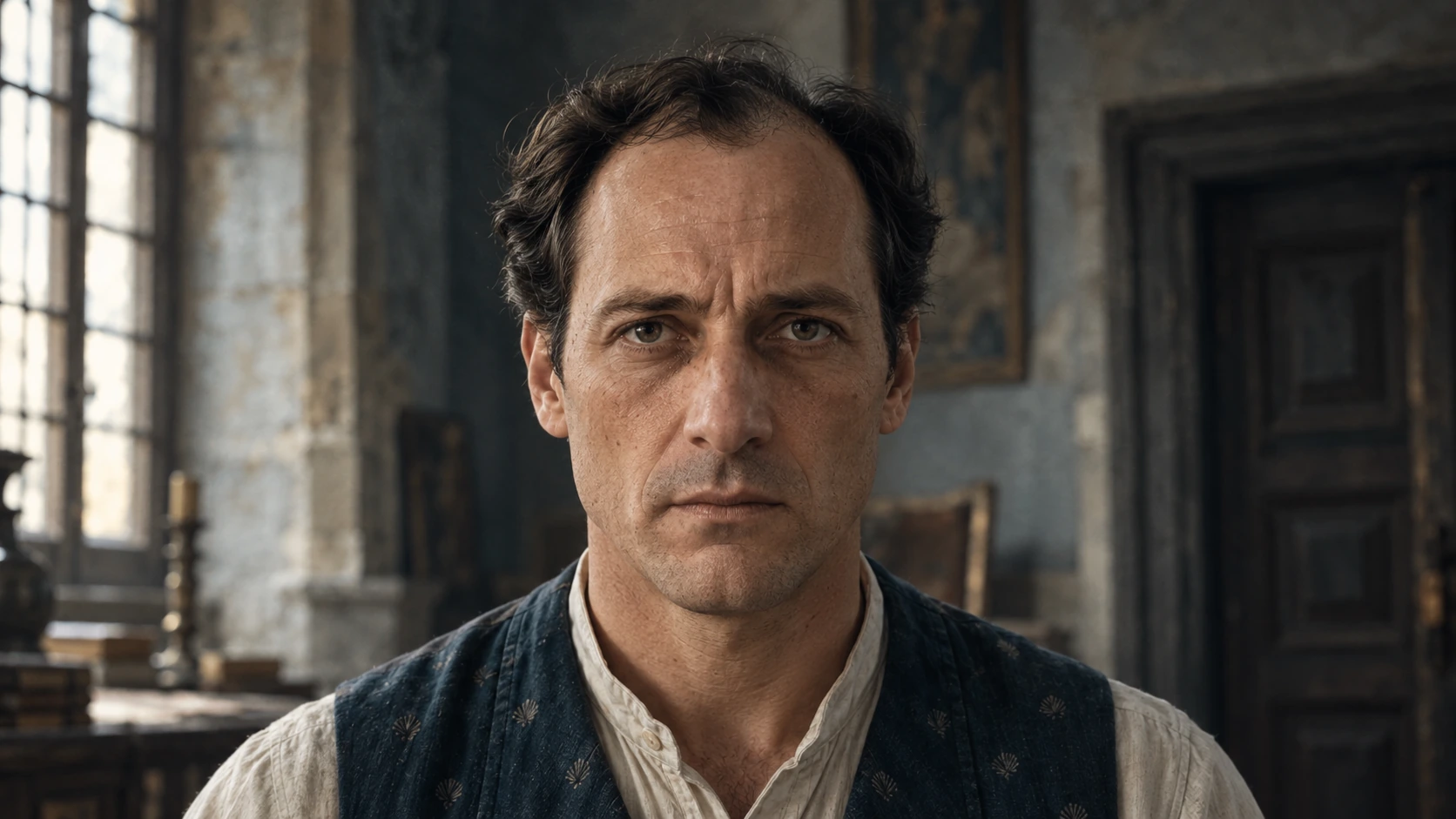
A clearer direction could place a middle-aged worker in the right third, show the face at a gentle three-quarter angle, and leave an industrial waterfront softly blurred behind him. Cool dusk light establishes the environment, while a restrained red practical light adds a warm edge to the face. The colors and light now support the same moment.
Make reference-based changes specific
When an image is the reference, list the qualities to preserve separately from the details to change. Preserve the framing, light direction, palette, contrast, and photographic texture. Change the face, the background arrangement, or the clothing details requested by the brief.
Review the revision against those instructions. If the background changes but the lighting no longer matches, address the light. If the skin becomes over-smoothed, restate the natural texture. A focused revision is easier to judge than asking for every part of the image to improve at once.
Using OpenAI Tools With O4Prompts
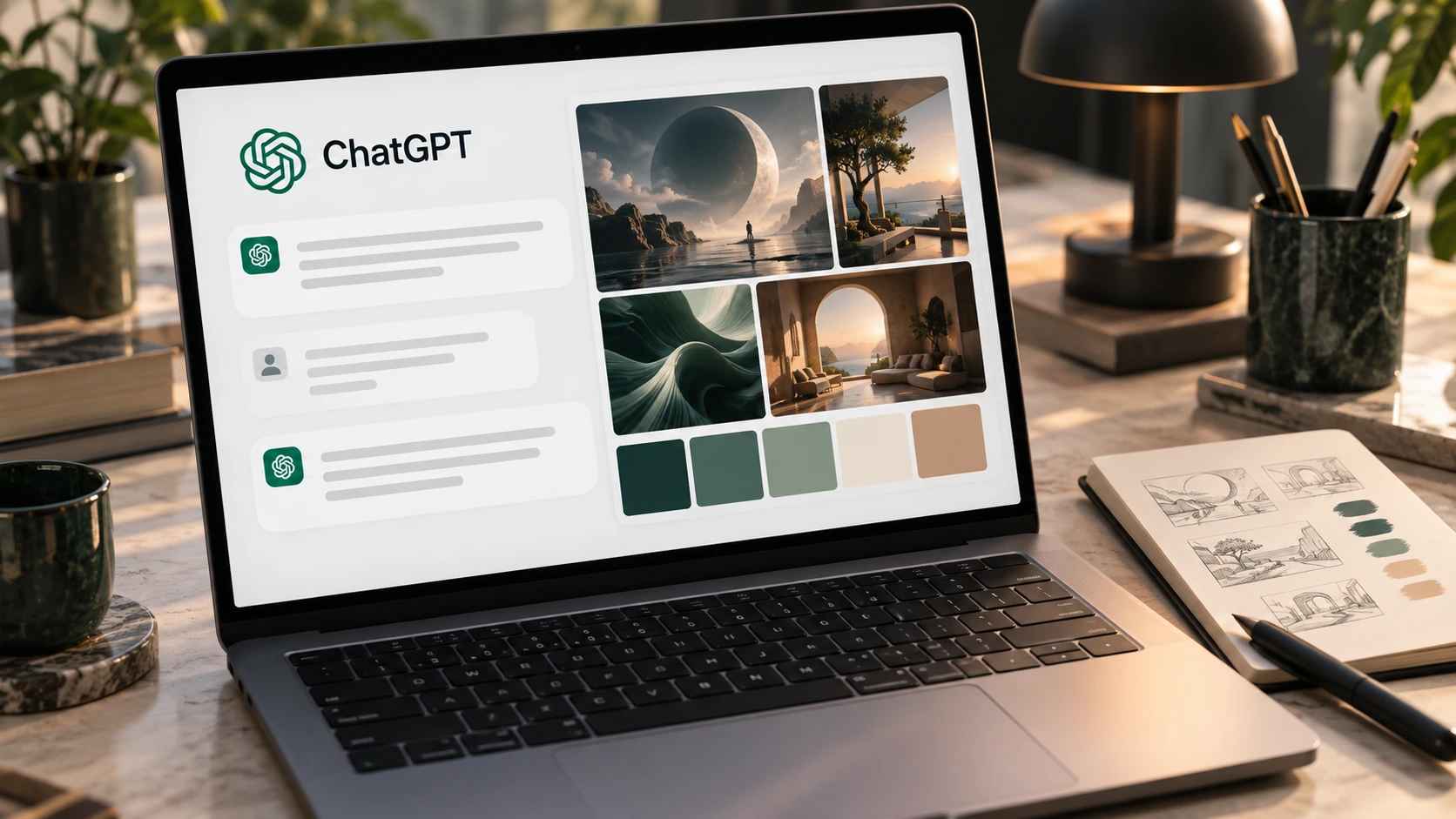
O4Prompts generates prompts, not images. Use it to structure the creative direction, then copy the prompt into a compatible image engine. You can use an OpenAI-powered image tool or another platform you prefer, adapting the wording and settings to the model.
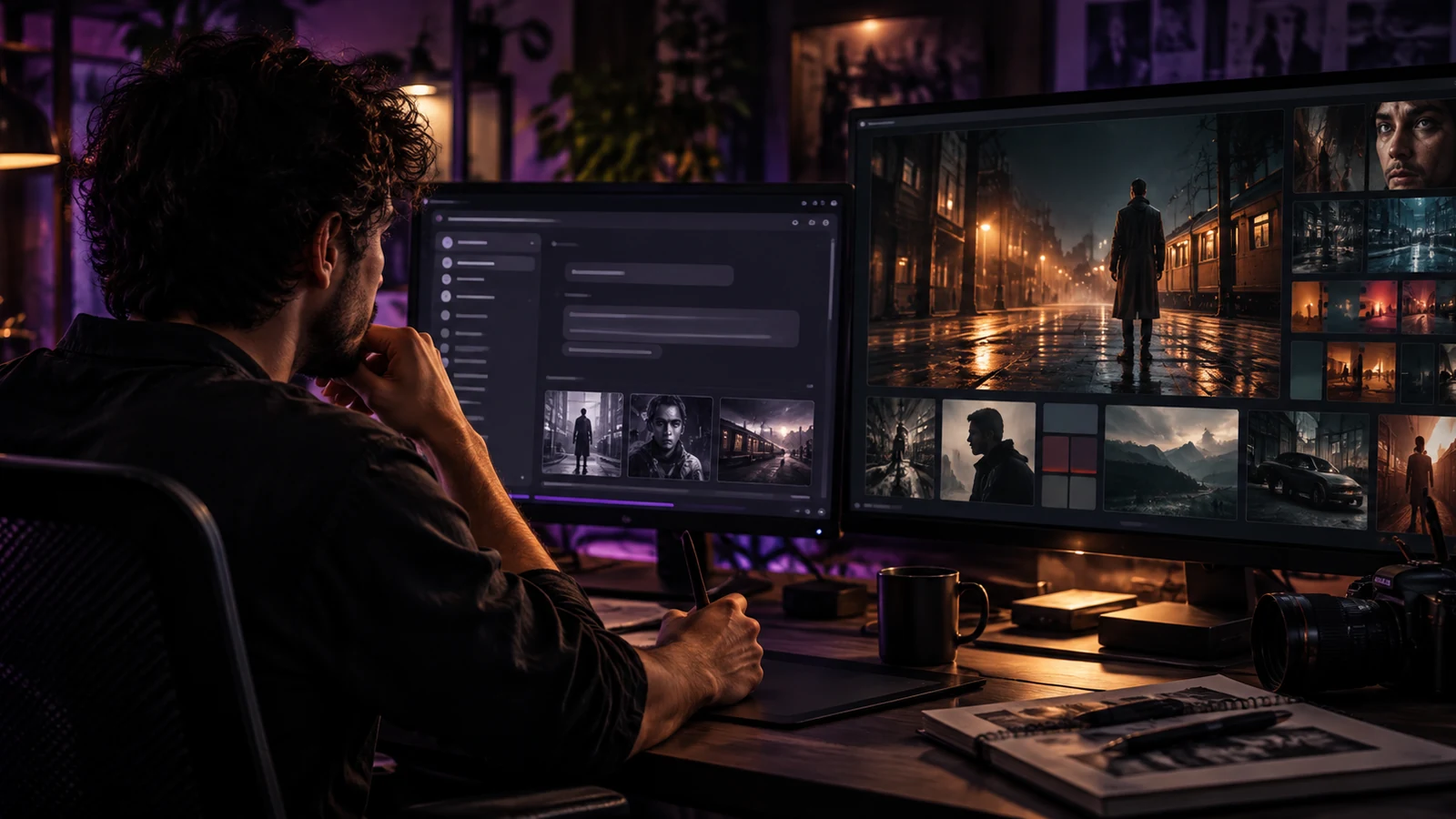
This is a manual workflow. ChatGPT can help explore an idea, O4Prompts can help describe its visual decisions, and the chosen generation tool produces the image. No automatic integration between the services is implied.
- Write the brief: define the message, audience, and intended format.
- Explore directions: compare a few concepts and choose the most useful one.
- Define the shot: use O4Prompts Cinematic Shots to develop the camera perspective and visual language.
- Organize the frame: use Composition Lab for the subject placement, focal point, and negative space.
- Coordinate the palette: use Color Lab to describe the relationship between shadows and highlights.
- Generate and revise: paste the assembled prompt into your chosen engine and address one visible issue at a time.
Keep the final prompt with the result. A saved image alone does not explain which instructions helped. Recording the direction and the revision makes it easier to continue a campaign or develop a related shot.
Example: Build a Cinematic Industrial Portrait Prompt
Start with a simple idea: “A worker pauses at the end of a shift.” Decide whether the image should communicate exhaustion, responsibility, or quiet concentration. For this example, choose responsibility and keep the performance restrained.
Place the worker near the camera on the right, with open environmental space on the left. Keep the protective helmet plain and the jacket practical. Use a cool sky as the ambient light, a subtle red practical glow on the face, and a few amber work lights in the distance. The scene can feel cinematic without becoming crowded or theatrical.
A generation prompt could read:
“Cinematic medium close-up of a middle-aged industrial worker in a plain off-white hard hat, thin wire-frame glasses, and a worn blue work jacket. Gentle three-quarter head angle, restrained thoughtful expression, subject positioned in the right third with quiet environmental space on the left. Different industrial waterfront with concrete gantries, pipes, and distant low buildings beneath a cloudy dusk sky, softly blurred amber work lights. Cool blue-gray ambient illumination with a subtle red practical side-light along the cheek, desaturated teal shadows, believable warm highlights, controlled filmic contrast. Natural skin pores, fine wrinkles, subtle skin unevenness, realistic fabric and helmet texture, delicate film grain, grounded photographic realism. No text, no logos, no watermark, no poster graphics, no plastic skin, no glossy CGI appearance.”
Use the engine's aspect-ratio controls where available. If the scene feels too dramatic, soften the red light and reduce contrast. If the factory dominates the frame, reduce background sharpness or tighten the portrait. If the expression is exaggerated, ask for less tension around the eyes and mouth.
The useful revision is the one that solves the visible problem while preserving the decisions already working.
OpenAI API, Platform, and API Keys
The OpenAI API is for connecting AI capabilities to software. The official developer quickstart explains creating an API key, configuring a development environment, and making a first request. An API integration is a different task from copying a visual prompt into an existing image tool.
An API key authenticates software requests. It is not part of the creative description, and you do not need to include one in an O4Prompts image prompt. Keep keys out of public code, shared documents, and screenshots; follow the documented server-side setup for an application.
For a custom prompt tool, the product behavior still needs a clear brief: what the user enters, what the app returns, and which model performs the task. A developer integration does not replace creative decisions about the resulting image.
How does OpenAI pricing work?
API costs depend on the selected model and the type and amount of usage. Text, image, and audio tasks have different pricing details. Check the current model pricing before estimating a project, and review ChatGPT plan information separately when choosing access to the conversational product.
For a small creative test, use a focused brief and a few purposeful variations. Judge whether the tool helps you reach the intended result before planning a larger workflow.
OpenAI Whisper and Spoken Creative Briefs
Whisper is associated with OpenAI's speech-recognition work. OpenAI's file-transcription documentation includes the whisper-1 model alongside other transcription options. Speech-to-text turns recorded speech into text; it is a different task from generating a spoken voice-over.
A spoken brief can be useful when you have the concept clearly in mind but want to capture it quickly. Transcribe the recording, review the wording, and organize the result into subject, action, composition, camera, light, palette, and constraints.
Check names and visual terms carefully. An incorrect material, camera angle, or direction can change the prompt. Then use the cleaned brief to build your visual instructions in O4Prompts. This describes a possible workflow, not an automatic transcription feature or OpenAI integration in O4Prompts.
Following OpenAI News Without Losing the Brief
For OpenAI news, begin with official announcements and documentation. Check the publication date, the product involved, and the stated availability. A new capability may belong to a particular model or interface, so confirm that it is available in the workflow you use.
For creative work, ask what the update changes in practice. Does it help preserve a reference? Does it make revisions more precise? Does it change the output format, turnaround time, or cost? Test one representative brief so you can compare the new behavior with your existing workflow.
Keep your visual decisions portable. A clear composition, motivated light source, controlled palette, and natural material direction remain useful even when the engine changes. For a moving version of the concept, develop the action with the Video Prompt Builder and the shot's motion with Camera Movement, then adapt the instructions to a compatible video tool.
Frequently Asked Questions
What is Open AI?
OpenAI is the organization behind ChatGPT and a range of AI models and developer tools. Its name is normally written as one word: OpenAI.
Are ChatGPT and OpenAI the same?
No. OpenAI is the organization; ChatGPT is one of its products. The API is another route for developers to use supported AI capabilities in software.
Is OpenAI the same as open source AI?
No. The company name does not describe every model's license. OpenAI has released gpt-oss open-weight models, while other products and models have different access arrangements.
Was OpenAI created by Elon Musk?
Elon Musk was involved in OpenAI's founding in 2015 and was named a co-chair alongside Sam Altman. OpenAI was founded by a group, not by Musk alone.
Who is the CEO of OpenAI?
As of September 2026, OpenAI identifies Sam Altman as its CEO.
Why are people leaving or saying to delete ChatGPT?
A search question alone does not establish a broad user trend. Individual choices can differ. Evaluate the tool against your own needs, including output quality, cost, privacy preferences, and workflow fit.
Is ChatGPT getting worse in 2026?
That is too broad to judge without defining the model, task, and comparison. Test the same representative briefs and review accuracy, consistency, and usefulness rather than relying on a general impression.
Which AI is better than GPT?
There is no single best tool for every creative task. Compare models using your actual briefs, supported inputs and outputs, revision behavior, cost, and the amount of work needed to reach a usable result.
What should I avoid asking or telling an AI?
Keep passwords, API keys, and unnecessary sensitive information out of prompts. For confidential client material, check the service's applicable data terms before uploading it. Review generated factual claims before using them.
Does O4Prompts need my OpenAI API key?
An API key is not part of an image prompt. Build the creative instructions in O4Prompts, then use them in your chosen image engine. A custom API integration is a separate development task.