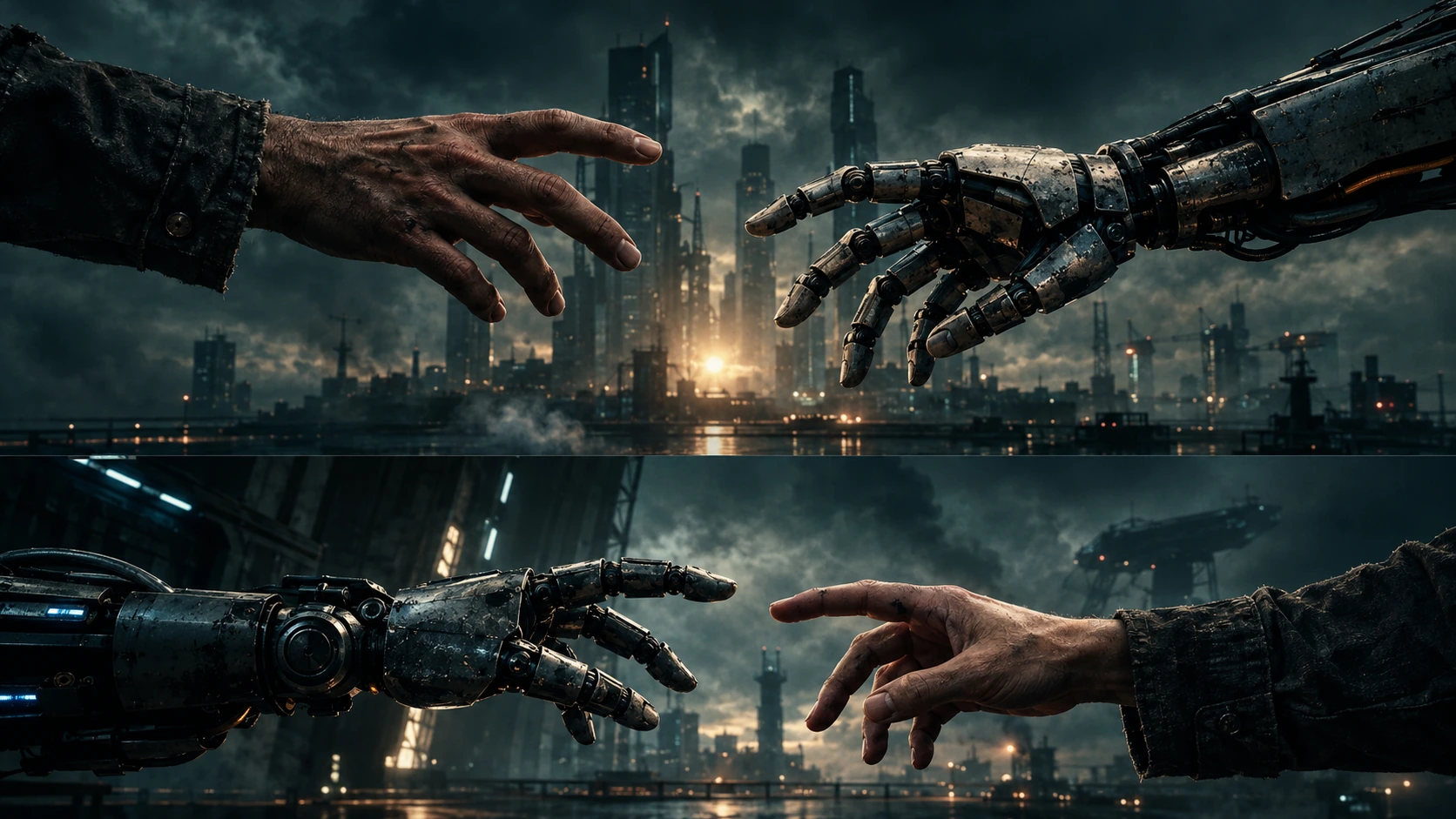
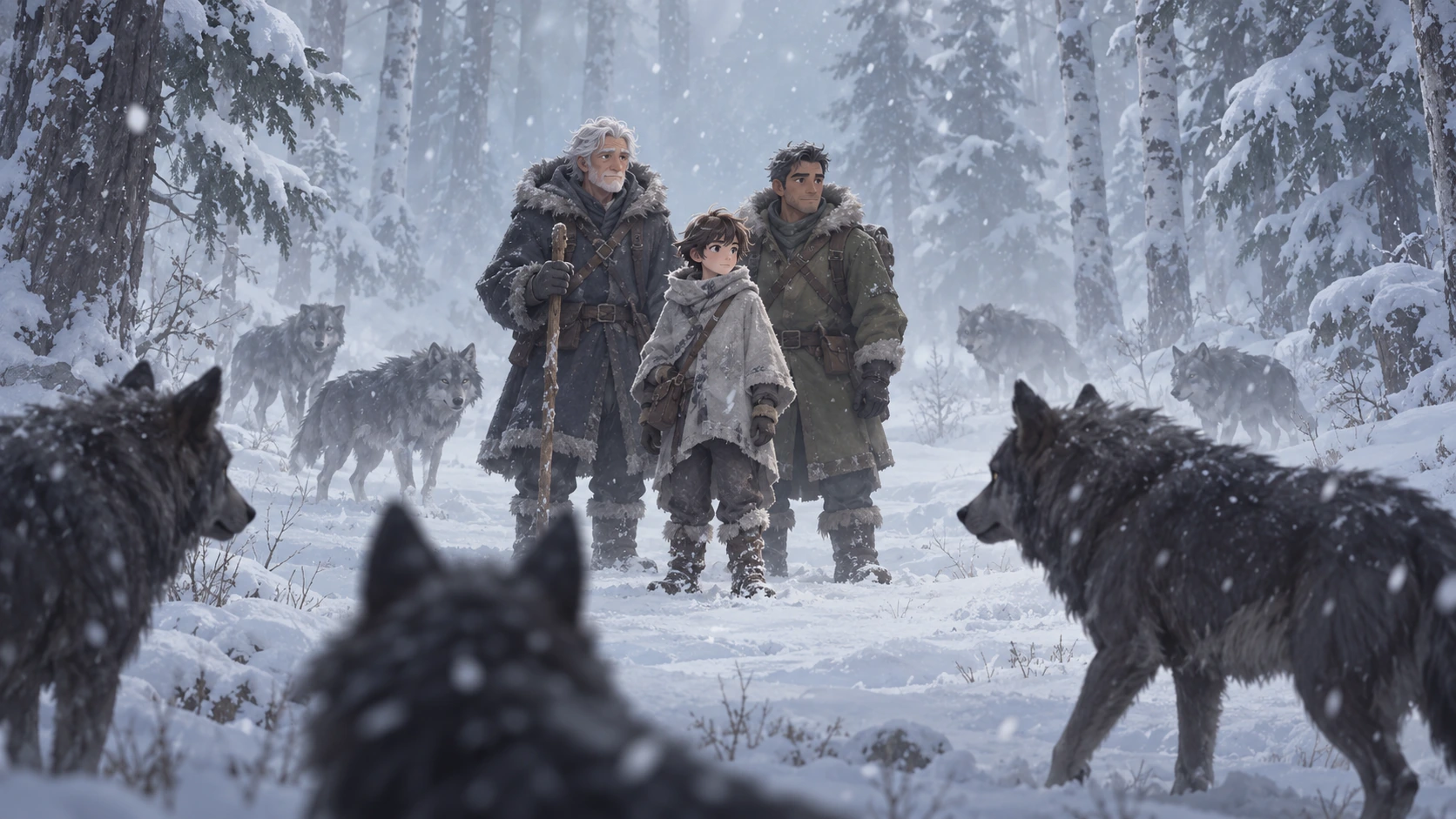
A strong AI image often begins before the generator ever sees your prompt. The real work is deciding what the image should communicate: where the camera sits, what matters most in the frame, how the light behaves, which colors dominate, and what kind of realism the scene needs. When those decisions are missing, adding more adjectives rarely fixes the result.
O4Prompts by OrigaStock is designed around that planning stage. Instead of treating prompting as one long sentence, it helps creators think through visual choices that can be carried into modern AI image generators. The goal is not to make a prompt longer. It is to make every part of it more intentional.
That focus also matches an opportunity visible in OrigaStock's own Google Search Console data: searches for “O4Prompts” are already reaching the site, while the brand has room to earn more clicks and establish a clearer relationship with AI visual prompting. This guide explains what O4Prompts is for and how to use its visual tools as part of a practical image-generation workflow.
What Is O4Prompts?
O4Prompts is OrigaStock's collection of visual prompt-building tools for creators working with AI images and video. Rather than promising that one magic phrase will work everywhere, the tools break creative direction into recognizable visual decisions such as cinematic shots, composition, color, typography, and camera movement.
That matters because image generators respond to relationships between ideas. “A car at sunset” identifies a subject and time. It does not tell the model whether the car should dominate the foreground, appear as a tiny silhouette, sit behind rain-covered glass, or be reflected in a mirror. Those decisions can produce completely different images even when the subject is identical.
O4Prompts is therefore best understood as a creative-direction layer. You build a clearer visual idea first, then take that direction into the image generator you prefer. O4Prompts and those generation platforms are separate products; this workflow does not imply a direct integration.
Why AI Image Prompts Become Generic
Generic results often come from generic instructions. Prompts such as “cinematic portrait,” “beautiful city,” or “ultra-realistic car commercial” communicate a broad category but leave many important decisions open. The model has to fill those gaps with patterns it has learned, which can lead to familiar lighting, centered compositions, overly polished surfaces, or the same visual clichés appearing again and again.
A useful prompt answers more concrete questions. What is closest to the camera? Where is the subject looking? Is the camera at eye level, low to the ground, or overhead? Is the light coming from a practical source in the scene? Are shadows deep or open? Does the frame feel observational, commercial, documentary, or stylized?
The difference is visible in real photography. A memorable frame is rarely memorable simply because the subject exists. It is the relationship between subject, camera, environment, light, timing, and color that gives the shot its character.

Build the Prompt in Visual Layers
One way to make prompting easier is to stop trying to solve the whole image in a single thought. Build it in layers. Start with the idea, then progressively define the visual information that affects the frame.
1. Start with the subject and action
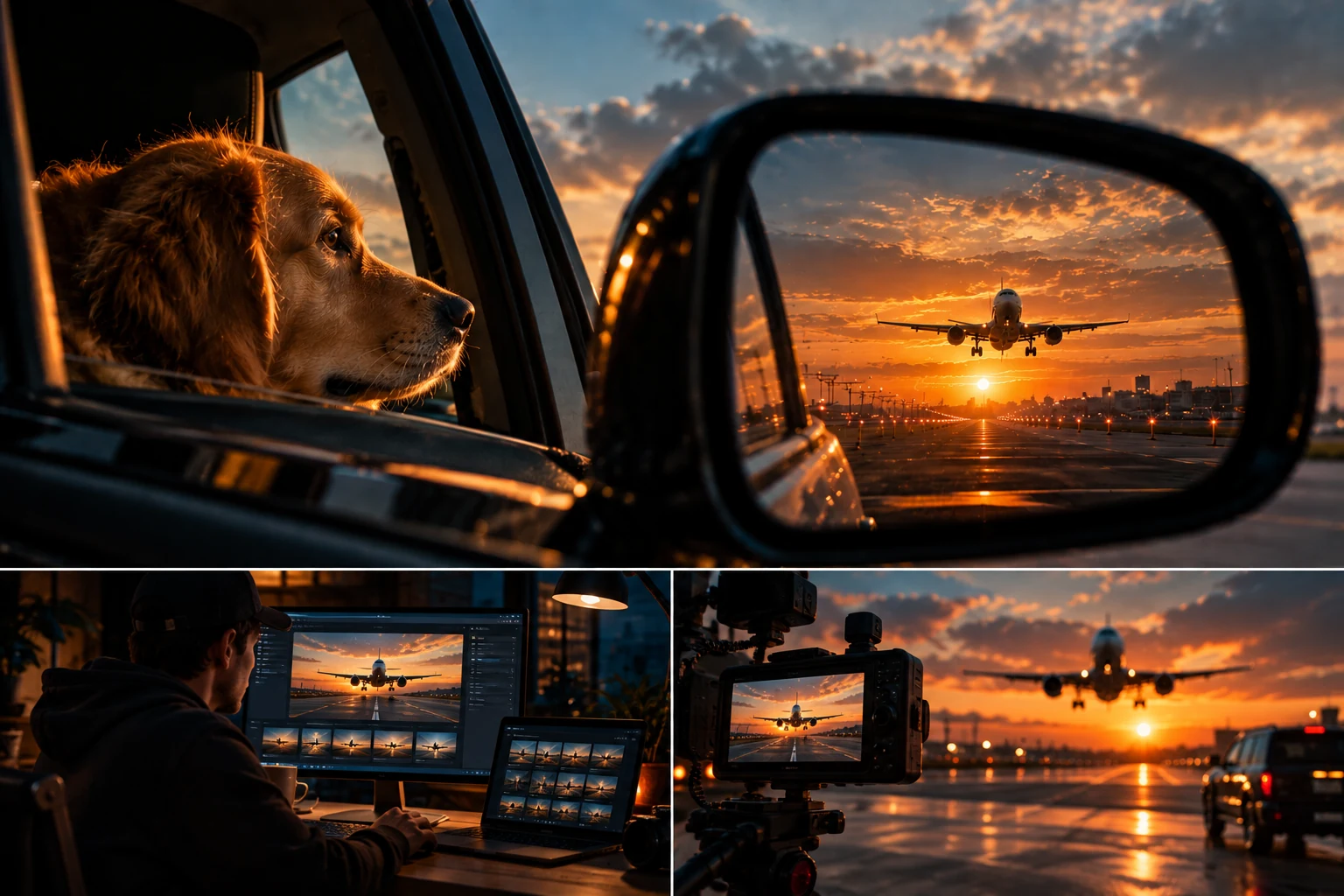
Write the simplest possible description of what is happening. For example: “a dog looking through a car window as an airplane approaches a runway.” At this stage, avoid filling the sentence with style words. You are establishing the event.
2. Decide the composition
Next, determine how the viewer experiences that event. Perhaps the side mirror occupies almost half of the frame while the dog sits in the near foreground. Perhaps the airplane exists only in the reflection. This is where O4Prompts Composition Lab can help you explore ways of organizing subjects and visual hierarchy instead of relying on a default centered shot.
3. Choose a cinematic shot
Camera distance and angle change the emotional meaning of the same scene. A close-up can make a detail feel personal; a wide shot can make the environment more important. A low camera can make an object feel imposing, while a high angle can make the frame more observational. O4Prompts Cinematic Shots is useful when you want to explore that shot language before writing the final prompt.
4. Give the light a believable source
Instead of writing only “cinematic lighting,” describe why the scene is illuminated. Golden-hour sunlight can enter through the windshield. A convenience-store sign can spill colored light onto wet pavement. A desk monitor can illuminate a creator's hands while the room remains dark. Motivated light gives the generator a more coherent physical environment to interpret.
5. Control color without overloading the prompt
A concise color relationship is usually easier to control than a list of ten colors. Warm amber highlights against cool blue shadows, muted earth tones with one saturated red accent, or a nearly monochromatic green night scene all provide a clearer direction. OrigaStock's Color Lab can help you explore palette ideas that fit the mood of the shot.
Write for the Image You Want, Not for the Model
It is tempting to fill a prompt with technical-sounding terms because they feel precise. But a phrase should stay only if it changes the intended image. “35mm lens” can be useful when you understand the field of view you want. “8K masterpiece award-winning hyper-detailed” may add length without clarifying the scene.
Think like a photographer or art director. Describe the frame in observable terms: subject placement, distance, direction, material, weather, light, environment, and depth. If realism matters, describe realistic capture conditions rather than merely repeating “photorealistic.” Natural exposure, subtle sensor noise, imperfect reflections, believable skin or fur texture, restrained depth of field, mixed practical lighting, and small environmental imperfections can all contribute to a less synthetic result when appropriate.
Constraints are equally useful. If the image should contain no typography, say so. If you want one subject rather than a crowd, make that clear. If the environment should feel contemporary rather than futuristic, state it. A good constraint removes ambiguity.
From a Basic Idea to an Intentional Prompt
Imagine starting with: “airplane landing at sunset.” It is understandable, but the generator still has enormous freedom. A more intentional direction might become:
View from inside a parked car at golden hour, passenger-side mirror dominating the right half of the frame, commercial jet descending toward a wet runway only inside the mirror reflection, calm golden-brown dog resting beside the open window in the near foreground, low warm sun behind scattered clouds, realistic airport approach lights and distant terminal structures, natural reflections across dark car paint, shallow depth of field outside the mirror, subtle sensor grain, believable exposure, photographic imperfections, no text or logos.
The improvement does not come from length alone. Each addition solves a visual problem. “Mirror dominating the right half” defines hierarchy. “Only inside the mirror reflection” controls spatial logic. “Wet runway” creates a material response to light. “Shallow depth of field outside the mirror” tells the image where attention should settle.
Use References Without Copying Them
Reference images are valuable because they communicate visual relationships that can take paragraphs to explain. The useful approach is to identify why a reference works instead of asking for a duplicate. You might borrow its dramatic mirror framing, warm-versus-cool contrast, shallow focus, or sense of scale while changing the subject, environment, action, and narrative.
This also helps avoid a common creative trap: generating the same person or object in every image simply because the first result looked good. A consistent visual language does not require a repeated character. One article can use a person, another a vehicle, another an animal, and another an empty architectural scene while still sharing photographic realism, lighting quality, and cinematic composition.
When working with AI tools, references should function as art direction. Ask what can be learned from the composition, lens feeling, color relationship, texture, or lighting, then build a new scene around the idea you actually need.
A Practical O4Prompts Workflow
A repeatable workflow can be simple. Begin with one sentence describing the idea. Choose the composition and shot type. Define the environment and the subject's position. Add a motivated lighting source and a controlled palette. Specify the realism and any important constraints. Then read the prompt once and remove anything that does not meaningfully change the picture.
Generate a first image and treat it as feedback rather than a final answer. If the subject is too small, change hierarchy or camera distance. If the scene looks artificial, rethink the light and materials before adding more quality adjectives. If the frame is visually busy, simplify the environment. If the image feels emotionally flat, reconsider the viewpoint rather than simply increasing contrast.
For video, the same visual foundation can continue into O4Prompts' Video Prompt Builder and Camera Movement tools. The difference is that a video prompt also needs to explain what changes over time: subject action, camera movement, environmental motion, pacing, and what should remain stable.
Better Prompts Are Better Decisions
The most useful shift in AI prompting is to stop thinking of the prompt as a password that unlocks a perfect result. It is closer to a compact creative brief. The clearer the decisions behind that brief, the easier it becomes to diagnose what worked and what needs another iteration.
O4Prompts is built around those decisions. Use it to explore composition, cinematic framing, color, and motion, then bring that direction into the generation workflow that suits your project. You do not need every option in every prompt. You need the right visual choices for the image you are trying to make.
Frequently Asked Questions
What is O4Prompts?
O4Prompts is a collection of OrigaStock tools designed to help creators structure visual prompts and creative direction for AI image and video workflows.
Can O4Prompts generate AI images?
O4Prompts focuses on building and organizing prompt direction. You can take the resulting creative direction into the image-generation platform that fits your workflow.
What should a good AI image prompt include?
A useful prompt usually defines the subject, action, composition, camera viewpoint, environment, lighting, color relationship, realism and any important constraints. Not every image needs every category.
How do I make AI images look less artificial?
Use believable lighting sources, natural materials, realistic exposure, restrained depth of field and small photographic imperfections. Clear composition and physical logic usually matter more than repeatedly adding words such as “ultra realistic.”
Can I use O4Prompts with different AI image generators?
Yes. The visual direction can be adapted manually for different generators. Exact prompt behavior varies by model, so some model-specific adjustment may still be useful.