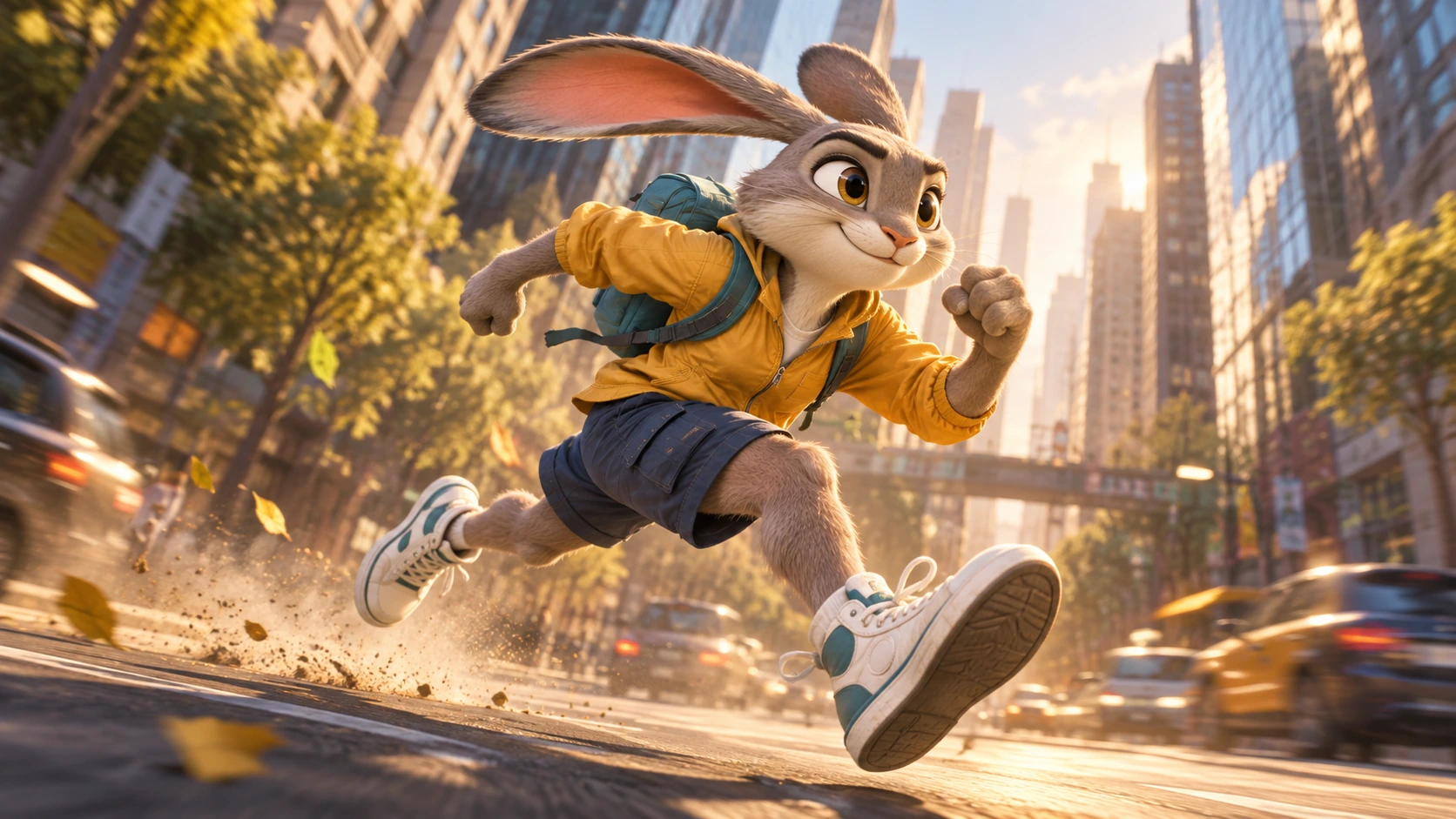
“Cinematic” is one of the most common words in AI image prompting, but it is also one of the easiest to misuse. Adding it to the end of a basic description can influence the mood, yet it rarely gives an image generator enough direction to build a memorable frame. A strong cinematic prompt describes the visual decisions that make a shot feel intentional: camera position, composition, lighting, color, depth, environment, and the relationship between subjects.
That is the idea behind O4Prompts by OrigaStock. Instead of relying on a single style word, creators can think through the ingredients of a shot and turn them into a clearer visual brief. This guide focuses on cinematic prompts for AI images, including how to move from a simple idea to a prompt that feels more like art direction and less like a pile of adjectives.
If you searched for cinematic prompts, a cinematic prompt generator, cinematic prompts for photo creation, or cinematic examples, the same principle applies: the best results usually come from making better visual decisions before generation.
What Is a Cinematic Prompt?
A cinematic prompt is a description that directs an AI image or video generator using the language of visual storytelling. It goes beyond naming a subject. It explains how that subject is framed, how the scene is lit, what the environment contributes, and what kind of emotional or photographic character the image should have.
For example, “a man standing beside a red wall, cinematic” gives the model a subject, an action, a color, and a vague style. A more directed version might specify a medium side profile, one gloved hand pressed against the wall, deep negative space behind him, hard warm light from an unseen doorway, controlled shadows, realistic fabric texture, and subtle film grain. The second description gives the generator a shot to build.
This is why cinematic prompting is less about finding one perfect phrase and more about combining several compatible choices.
Start With the Shot, Not the Adjectives
Before adding mood words, decide what the viewer should actually see. Ask three questions: what is the main subject, where is the camera, and what is happening at this exact moment? Those answers establish the structure of the frame.
Camera distance matters. An extreme close-up can make a glance, texture, or small action feel important. A medium shot gives the subject room to interact with the environment. A wide shot can make scale, architecture, weather, or landscape part of the story. Camera height matters too: eye level often feels observational, while a low angle can increase presence and a high angle can create distance.
O4Prompts Cinematic Shots is designed around this part of the process. Use it to explore shot language before you write the final prompt rather than repeatedly asking the generator for something “more cinematic.”
Composition Makes the Prompt Feel Directed
Composition determines where attention goes. If every prompt places a person in the center looking directly at the camera, the results can quickly feel repetitive even when the clothing, location, and color change. Try defining the relationship between the subject and the frame instead.
You can place the subject on the edge of the composition, use foreground objects to create depth, leave negative space in the direction of a gaze, frame a subject through glass or a doorway, or make a reflection more important than the object itself. These choices give the image visual hierarchy.
The O4Prompts Composition Lab can help when the concept is good but the frame still feels generic. Composition is often the missing layer between a technically attractive AI image and one that feels designed.
Use Lighting That Has a Reason to Exist
“Cinematic lighting” is not one lighting setup. A believable scene normally has a source: late-afternoon sun through a window, a red corridor light, fluorescent tubes in a parking structure, headlights reflecting from rain, a television in a dark room, or a practical lamp just outside the frame.
Describe that source and how it affects the subject. Does it create a rim around hair or fur? Does it fall across only one side of the face? Does wet pavement pick up the highlights? Are the shadows nearly black, or do they retain detail? This gives the model physical information instead of an abstract quality label.
Realism also benefits from restraint. Perfectly clean highlights, flawless surfaces, and aggressive sharpness can make an image feel synthetic. Natural exposure, subtle texture, mixed color temperatures, slight atmospheric haze, believable reflections, and small imperfections can make a scene feel photographed rather than rendered.
Color Should Support the Story
A cinematic color palette is most useful when it reinforces the scene. A red environment can create pressure or intensity. Warm window light can make a quiet interior feel intimate. Cool blue ambient light against a warm practical source can create separation without turning every image into the same teal-and-orange formula.
Instead of listing many colors, define a relationship: muted neutrals with one saturated red accent, warm amber highlights against cool shadows, dusty earth tones under overcast light, or a nearly monochromatic night scene with small pools of sodium-vapor warmth. O4Prompts Color Lab can help explore these relationships before they are added to the final prompt.
Change the Subject Without Losing the Art Direction
A useful cinematic style should survive a change of subject. You do not need the same man, woman, car, or face in every image to create consistency. The visual language can come from framing, lighting, texture, contrast, lens feeling, and color.
Imagine a reference showing a man with one hand against a red wall. What makes the image interesting may not be the identity of the man at all. It may be the side-on stance, the strong red plane, the extended arm, the hard directional light, and the tension created by negative space. You can keep those structural ideas while changing the person, face, wardrobe, location details, and narrative.
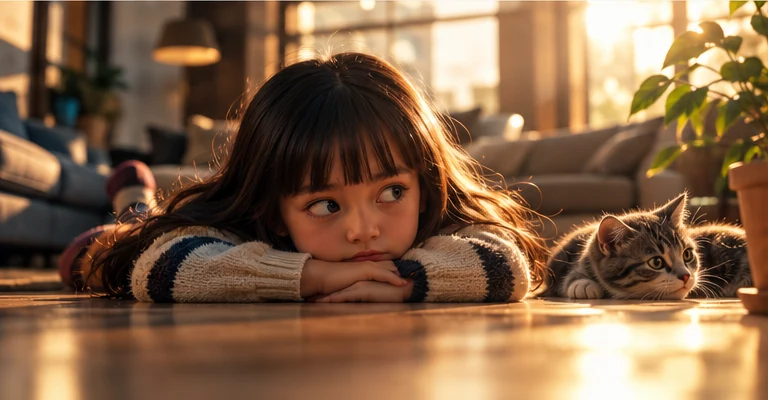
The same applies to a playful image of a child beside an object or animal. Instead of copying the character, extract the low camera position, clean background, expressive eye direction, soft daylight, and simple visual relationship. References work best as art direction, not as templates to duplicate.
Example: Turn a Basic Idea Into a Cinematic Prompt
Start with a weak prompt: “A black sports car at sunset, cinematic.” The subject is clear, but almost everything else is undecided.
A stronger version could be:
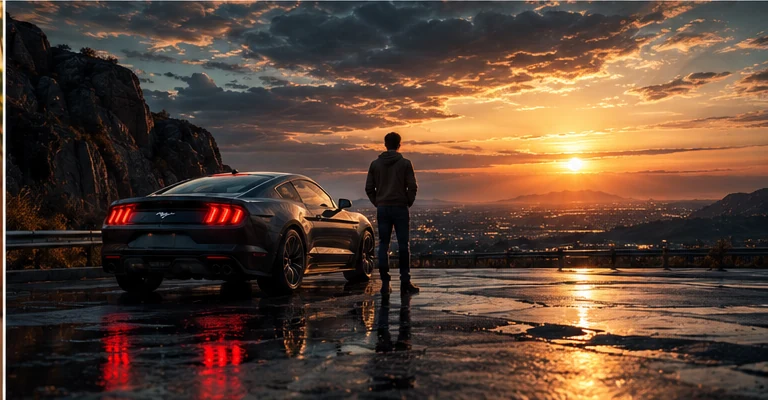
Wide cinematic photograph of a black performance coupe parked on rain-darkened mountain asphalt at sunset, rear three-quarter view low to the ground, vehicle occupying the left third of the frame, one distant adult figure facing the valley, dramatic storm clouds opening around the low sun, wet pavement catching restrained red taillight reflections, realistic paint and tire texture, deep but detailed shadows, natural atmospheric haze, subtle sensor grain, believable lens flare, no text or logos.
Notice what changed. “Rear three-quarter view” defines orientation. “Left third” defines hierarchy. “Distant figure” gives scale without turning the person into the main subject. Wet pavement creates a reason for reflections. Atmospheric haze gives depth. The prompt is longer because it contains more decisions, not because length itself improves quality.
Cinematic Prompts for Photos vs. AI Video
Image and video prompts share the same visual foundation, but video introduces time. A still prompt can stop after defining the frame. A video prompt also needs to explain what moves, how the camera behaves, what changes in the environment, and what should remain stable.
For a still car scene, composition and light may be enough. For video, you might add: the camera slowly pushes toward the rear quarter panel while the figure remains still, clouds drift across the sunset, and reflections move naturally across the wet bodywork. That describes motion without asking every part of the frame to change at once.
When you move from stills to motion, O4Prompts Video Prompt Builder and Camera Movement can help separate scene direction from motion direction.
Common Cinematic Prompt Mistakes
One common mistake is stacking quality words: “cinematic, epic, masterpiece, award-winning, 8K, ultra detailed, photorealistic.” Some models may respond to parts of that language, but it does not tell the model where the camera is or why the frame should look the way it does.
Another mistake is combining conflicting instructions. A prompt may ask for a tight close-up and a huge environment, soft flat daylight and dramatic hard shadows, or a static documentary frame and an aggressive action-camera feeling. Decide what matters most and remove directions that compete with it.
Finally, avoid repeating the same character simply because one generation worked. Build a reusable art direction instead. Change the subject and keep the visual logic. This produces a broader library of images while maintaining a recognizable standard.
How O4Prompts Fits Into the Workflow
O4Prompts is useful before generation because it encourages you to make choices separately. Begin with the idea, select the shot, refine the composition, decide the lighting and color relationship, then combine only the useful pieces into one coherent prompt.
The final prompt does not need every possible setting. A quiet portrait may depend mostly on framing, gaze, and window light. A car image may depend on camera height, surface reflections, environment, and time of day. A product shot may need precise materials and controlled lighting more than narrative.
That is the larger lesson behind cinematic prompts: better results come from clearer direction. Use “cinematic” as the starting intention, then explain what makes this particular frame cinematic.
Frequently Asked Questions
What are cinematic prompts?
Cinematic prompts are visual instructions for AI generation that describe a scene using choices such as shot type, composition, lighting, color, environment, depth, mood, and subject action.
How do I make an AI image look more cinematic?
Start with a deliberate camera position and composition, then add motivated lighting, a controlled color relationship, believable materials, depth, and only the details that support the scene.
Can I use cinematic prompts for AI video?
Yes. Keep the visual foundation, then add subject motion, camera movement, timing, and environmental changes. Avoid asking too many elements to move at the same time.
Is O4Prompts a cinematic prompt generator?
O4Prompts provides creative tools for building and exploring prompt direction across cinematic shots, composition, color, camera movement, and video prompting. The resulting direction can be adapted to the AI generation workflow you use.
Should I copy a reference image exactly?
No. A stronger creative workflow studies what works in the reference—such as framing, light, pose, contrast, or depth—and uses those ideas to create a new scene with different subjects and details.